Payment tickets solved before agents look.
Connect Zendesk, any helpdesk or your inbox. Payment requests are resolved in the thread; an agent’s reply always takes over.
Zendesk ticket #18320
Customer: Where is my refund for #4821?
Chargeless: Your refund of €29.00 was issued on 16 Oct.
Agent replied · automation stepped back
Works inside the helpdesk you already use.
Connect with OAuth. Only tickets with your trigger tag come in, replies go back to the same thread, and agent comments mean takeover.
- OAuth, no API tokens
- Scoped by trigger tag
- One Zendesk ticket per handoff
Refund asked 45 days after purchase
Outside the 30-day refund window
Transcript · 6 messages
Your support inbox, handled the same way.
Forward up to ten support addresses. Replies thread into their ticket, and identity is proven by a link to the address on file.
- Threaded by message IDs
- Identity by email link
- Auto-replies and loops ignored
↳ Threaded into ticket #1182
✓ Identity proven by email link
A signed connector for every other helpdesk.
Post signed ticket events in; receive signed replies and status changes back. Events are deduplicated and capped hourly.
- Signed events both ways
- HMAC-SHA256 signatures
- Seven-day secret overlap
# Your helpdesk → Chargeless
POST /webhooks/helpdesk/{tenant}/{connector}
X-SupportRoute-Timestamp: 1761210000
X-SupportRoute-Signature: v1=c0a1…7b2e
{ "kind": "ticket.created", "ticket": { "external_id": "48211" }, … }

# Chargeless → your write-back URL
POST https://yourhelpdesk.example/chargeless
{ "type": "helpdesk.reply", "ticket": { "external_id": "48211" }, … }
Tagged to resolved, in the same thread.
- 1
Ticket arrives
A tagged ticket, an email or a helpdesk event.
- 2
Identity, per message
A signed token, an email link, or the matched level if enabled.
- 3
Policy decides
Every check recorded with its version and facts.
- 4
Refund at the provider
Executed once, on the charge’s own connection.
- 5
Reply in the thread
The outcome goes back in the same ticket.
- 6
Agent takes over
Any agent reply ends the automation on that ticket.
Helpdesk refunds without a customer sign-in.
On your own payment system, a helpdesk or email ticket can be matched by its identifiers instead of a proof. Off by default, never in chat.
- Two identifiers, e.g. email and last four
- Refunds only, up to a cap you set
- Off for a ticket with a CC
- Re-matched at every decision
Matched identity
Ticket #48211 · email
[email protected]•••• 4242tx_88 · €29.00Limits that keep automation polite.
Reply budgets
Daily automatic replies capped per requester.
Connector caps
Hourly limits, every event deduplicated.
Quiet by default
No public acknowledgement until you turn it on.
Escalation fallback
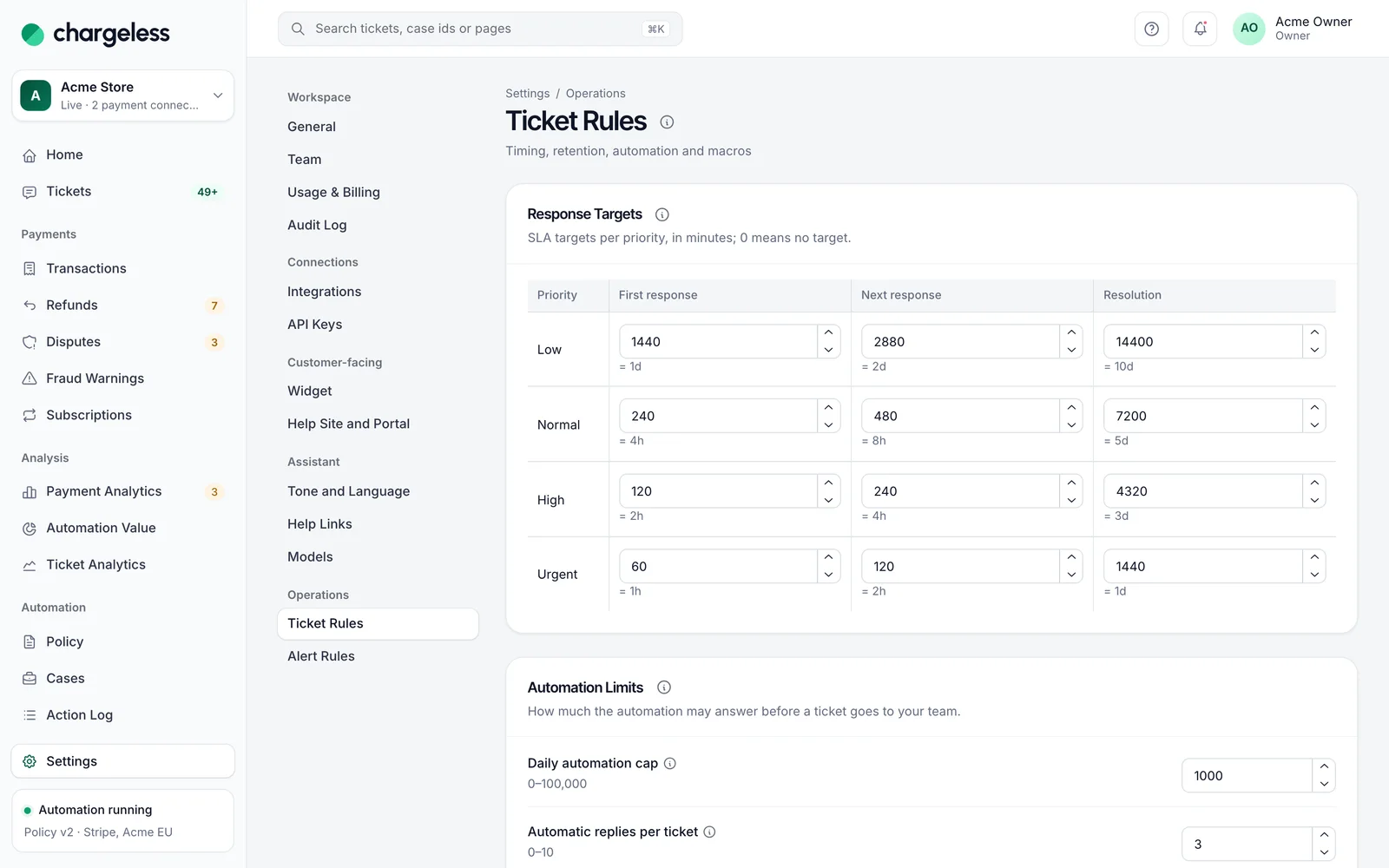
If the connector is down, handoffs go to the team queue.
Frequently asked questions
See every question merchants ask, or ask us when you request access.
All questionsRequest early access01Will Chargeless reply to tickets my agents are working on?
No. Once an agent replies, the ticket belongs to them and the automation never writes on it again.
02How is identity confirmed on a helpdesk ticket?
Per message: a signed single-use token or an email link to the address on file. A requester field alone is never proof.
03Which helpdesks are supported?
Zendesk natively, any other helpdesk through the signed connector, and email.
Related
Start with low limits. Raise them when the record shows it works.
Start in test mode, run your policy against your own history, and go live when the results meet your standards.
- 1A test workspace on your provider’s test mode
- 2Your past requests replayed against your policy
- 3Live with low limits, raised as the record allows